Hi Bill,
Take a look at this post.
http://www.caneycreekmolds.net/index.php?topic=963.0If you already have them in the gallery you would start at step b (see below):
b) Select "Insert Image" button in thread you are posting to:

c) Insert URL into the tags that are created by pressing the "Insert Image" button
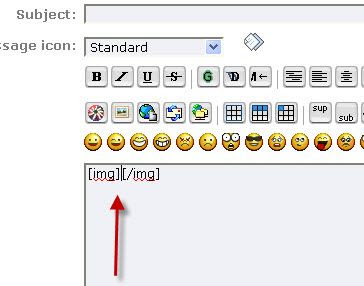
d) When you are done it should look like this. I highlighted the URL you pasted to show how the tags and URL should look together:

You can then add whatever text you want outside the tags / url you created and then just click post. This should create a new post with your image and text.
Jason
